
Founder profileReal product context
Real physician information
Used only for Dr. Eduardo Jacques in the real founder profile demonstration.
Physician-controlled professional information
No reviews · No ratings · No rankings
Product Examples
Start with the real founder profile, then explore fictional specialty demonstrations built from the same physician-approved public structure.
Real versus fictional legend
Used only for Dr. Eduardo Jacques in the real founder profile demonstration.
Used for every specialty card that demonstrates product structure only.
Approved public background, scope, and practice context.
Clear guidance on what patients should bring or understand before the visit.
Clinic-approved booking, referral, or next-step information.
The physician reviews the public content before publication.
Real Founder Profile
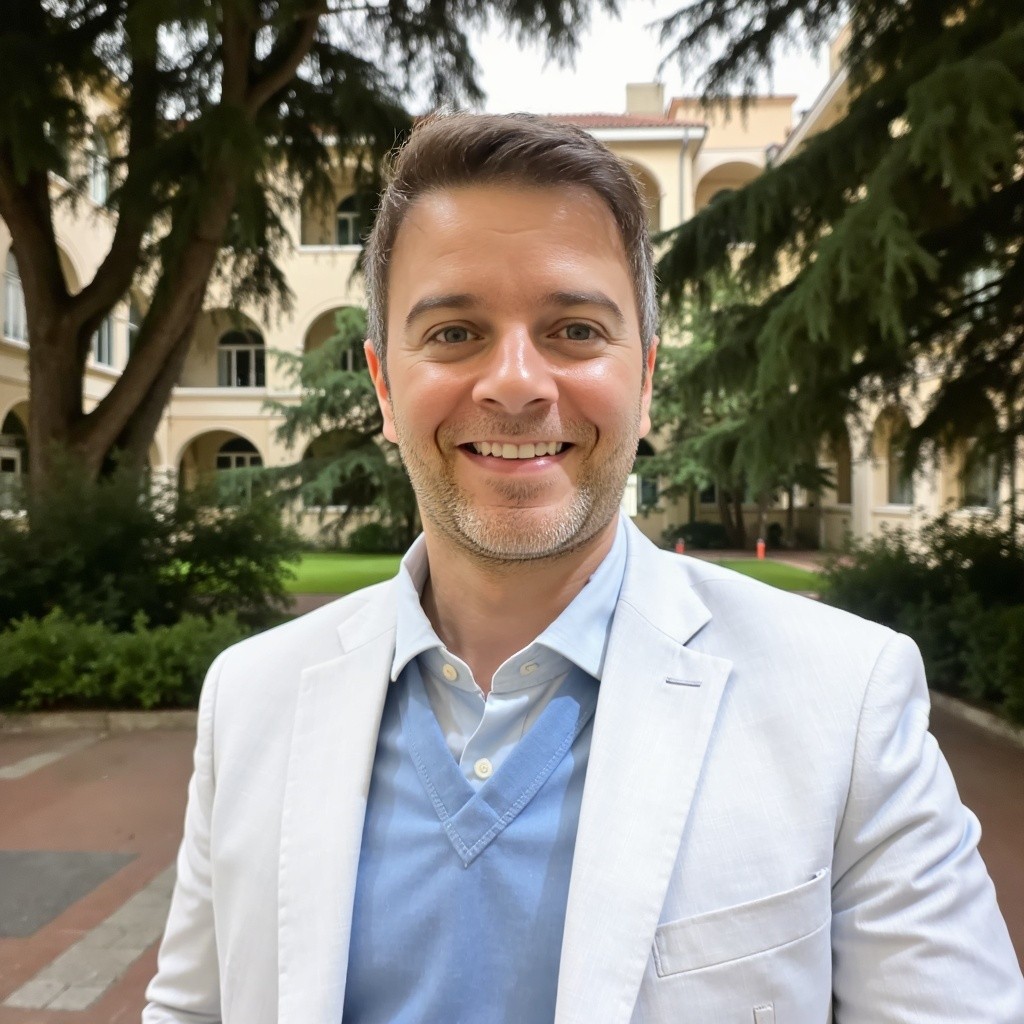
Family Medicine
Toronto, OntarioPhysician-approved public background, family-medicine scope, Toronto practice context, and maintained public links.
Medical education at the institution now known as UFCSPA, CCFP certification, and CPSO registration context presented with clear source language.
More than a decade across Canadian and Brazilian care settings, alongside physician-led work on public information and patient preparation.
Bring a current medication list and follow the clinic's preparation instructions.
Review approved booking, referral, or secure communication instructions.
Defined CPSO public registration information reviewed for profile accuracy; official records remain authoritative.
Approved public information can be corrected and updated as details change.
This is the founder's real ProfileMD product demonstration. It is not a patient testimonial, ranking, clinic endorsement, or guaranteed outcome claim.
OPTIONAL SECURE WORKFLOW
View Ocean Workflow ExamplesOcean Workflow ExamplesOcean demonstrations are separate from the public physician profile and are not active patient-care pathways.
Specialty Demonstrations
Real founder profile. Same physician-controlled foundation. Five fictional specialty adaptations.

Dermatology
Fictional demonstrationDr. Chen completed medical school at McMaster University and Dermatology residency at the University of Toronto. She is Royal College certified in Dermatology, with additional training in medical dermatology and skin-cancer assessment. She also holds a clinical teaching appointment in Toronto.
Bring a list of current medications and skincare products. Note when the concern began, how it has changed, associated symptoms, previous treatments, and whether photographs document changes over time.
A physician referral may be required for an insured specialist consultation. The clinic may use separate pathways for new consultations, procedures, follow-up appointments, and non-insured cosmetic services.
When requested by the clinic, photographs, symptom history, affected body areas, and previous treatment details can be submitted through a clinic-approved secure intake.
OPTIONAL OCEAN WORKFLOW
Explore Ocean eForm PreviewsOcean eForm PreviewsSpecialty cue: Photo and treatment-history review

Cardiology
Fictional demonstrationDr. Ndlovu earned his MBChB at the University of Cape Town in South Africa. He later completed Internal Medicine residency at McMaster University and Adult Cardiology training at the University of Toronto. He completed advanced fellowship training in echocardiography and heart failure and is Royal College certified in Internal Medicine and Adult Cardiology.
Bring an updated medication list, recent blood-pressure or heart-rate readings, relevant ECG, imaging or laboratory reports, and a brief timeline of symptoms and previous cardiac assessments.
New cardiology consultations generally require a referral. The clinic may review the referral before booking and may request testing before the appointment. Follow-up appointments may use a separate pathway from new consultations.
A clinic-approved secure intake may collect home blood-pressure readings, medication information, symptom history, and existing cardiac reports before physician review.
OPTIONAL OCEAN WORKFLOW
Explore Ocean eForm PreviewsOcean eForm PreviewsSpecialty cue: Cardiac history and test review

Psychiatry
Fictional demonstrationDr. Malik completed medical school at the University of British Columbia and Psychiatry residency at the University of Toronto. She is Royal College certified in Psychiatry, with additional focused training in mood and anxiety disorders and consultation-liaison psychiatry. Her practice focuses on adult consultation and treatment-planning assessments within a shared-care model.
Prepare a current medication list, previous psychiatric treatment history, relevant consultation or hospital reports, and the main questions or goals you would like addressed.
The profile explains whether a referral is required, the age group served, whether the psychiatrist provides a one-time consultation or ongoing follow-up, and how recommendations are returned to the referring clinician.
Sensitive history, questionnaires, medication details, and supporting documents belong only in a clinic-approved secure system. They should never be entered on the public physician profile.
OPTIONAL OCEAN WORKFLOW
Explore Ocean eForm PreviewsOcean eForm PreviewsSpecialty cue: Private consultation and shared care

Nephrology
Fictional demonstrationDr. Okafor earned his MD at the University of Alberta, followed by Internal Medicine residency and Adult Nephrology subspecialty training at the University of Toronto. He is Royal College certified in Internal Medicine and Nephrology, with graduate training in clinical epidemiology. His clinical interests include chronic kidney disease, hypertension, and complex laboratory abnormalities.
Bring a medication and supplement list, recent blood and urine results, relevant kidney imaging, home blood-pressure readings, and information about previous kidney assessments.
A referral is generally required. Blood work, urine testing, or imaging may need to be completed before the consultation. The clinic distinguishes new assessments from ongoing kidney follow-up.
Laboratory reports, blood-pressure logs, medication information, and relevant imaging details can be submitted through a clinic-approved secure pathway when requested.
OPTIONAL OCEAN WORKFLOW
Explore Ocean eForm PreviewsOcean eForm PreviewsSpecialty cue: Kidney function, laboratory, and BP review

Orthopaedic Surgery
Fictional demonstrationDr. Bennett completed medical school at Western University and Orthopaedic Surgery residency at the University of Toronto. He is Royal College certified in Orthopaedic Surgery, with fellowship training in hip and knee reconstruction and orthopaedic trauma. He holds an academic appointment and focuses on adult lower-extremity conditions, joint replacement, and complex surgical consultation.
Bring relevant imaging and reports, a medication list, details of previous treatment or physiotherapy, and examples of activities or movements currently limited by the condition.
A referral is generally required. The clinic may triage referrals according to diagnosis, imaging, affected body region, and surgical suitability. Consultation, procedure, and postoperative appointments may use separate booking pathways.
A clinic-approved secure intake may collect the affected body area, functional limitations, prior treatment, and available imaging information before consultation review.
OPTIONAL OCEAN WORKFLOW
Explore Ocean eForm PreviewsOcean eForm PreviewsSpecialty cue: Imaging, function, and surgical assessment
PUBLIC GUIDANCE → SECURE WORKFLOW
ProfileMD explains what patients should prepare and which next step to take. When approved by the physician or clinic, an Ocean eForm can securely collect patient-specific information outside the public ProfileMD website.
ProfileMD does not receive the Ocean submission. The clinic chooses and controls the secure destination.
How Profiles Adapt
Always present
Changes by specialty
Remains separate
Controlled adaptation
Specialty details adapt. The publishing standard does not.
Clear information boundary
Two connected experiences, with two very different responsibilities.
Readable, maintained public guidance — no patient information collected.
Patient-specific details stay inside a clinic-approved secure workflow.
Choose your path
Start with the route that matches how you want to publish.
Common Questions
Understand what is real, what is fictional, what changes by specialty, and how review works before publication.
Dr. Eduardo Jacques's Family Medicine profile is the real founder product demonstration. It uses approved public professional information.
No. The specialty examples are fictional product demonstrations and do not represent real physicians, clinics, or ProfileMD clients.
The specialty names and portraits are synthetic demonstration content. Each card is clearly labelled as fictional and does not represent a real physician, participating clinic, or ProfileMD client.
Yes. Every profile shares the same core foundation, while preparation language and approved access explanations adapt to the specialty.
Specialty terminology, preparation emphasis, referral explanations, and clinic-approved next steps may change.
Professional identity, physician review, public-versus-secure separation, access clarity, and maintained public information remain consistent.
Symptoms, diagnoses, medication details, forms, referrals, documents, and patient-specific submissions stay inside clinic-approved secure systems.
Yes. ProfileMD prepares a private preview for review, correction, scope confirmation, and approval before anything becomes public.
Start with a private profile preview prepared for your review. Nothing is published before physician approval.
Real founder profile clearly identified. Fictional demonstrations clearly labelled.